¶ Why Camera Calibration Is Important
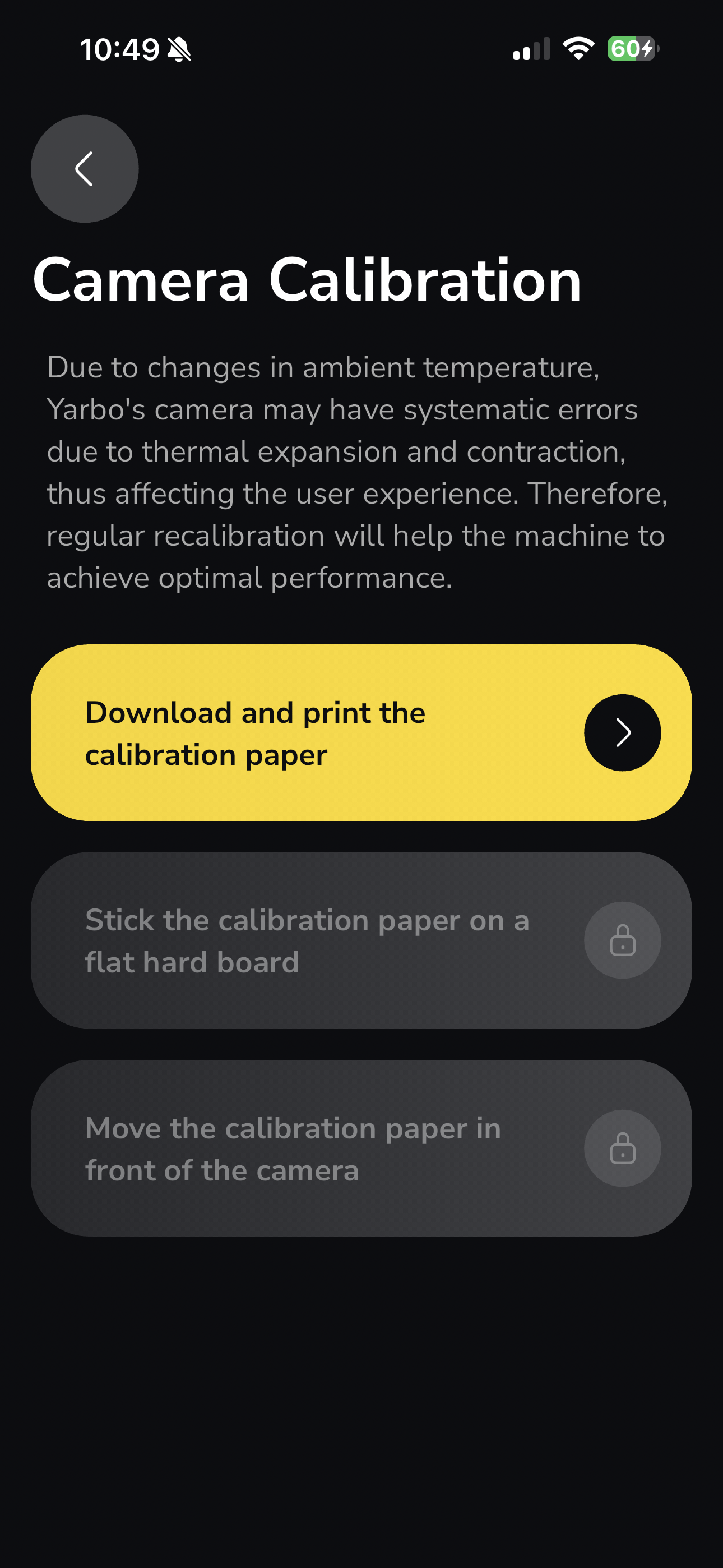
Ambient temperature changes can cause slight systematic errors in Yarbo’s camera system due to thermal expansion and contraction. Over time, this may affect camera-based performance.
Regular camera calibration helps ensure Yarbo continues to operate accurately and reliably.
¶ Before You Begin
|
To complete camera calibration, you will need:
Enough space to safely hold the board in front of the camera
|
 |
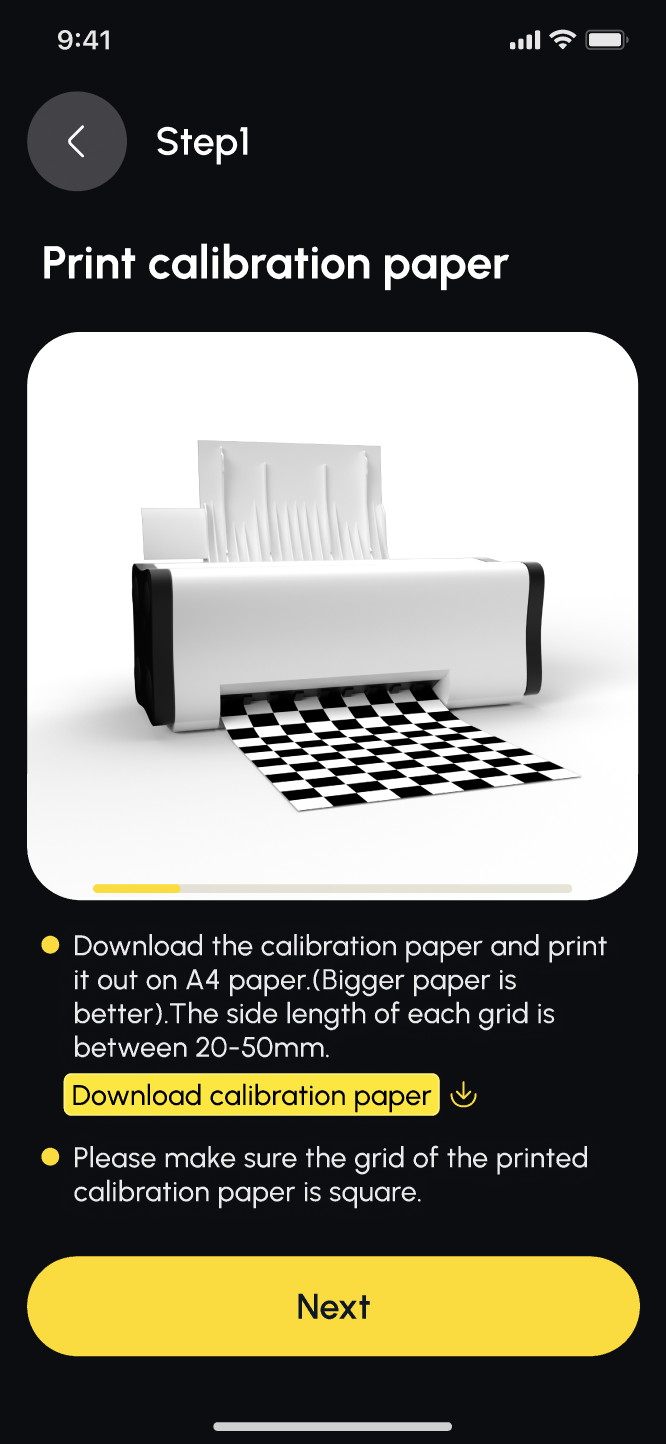
¶ Step 1: Download and Print the Calibration Paper
|
 |
¶ Printing Requirements
Each black-and-white square must have a side length of 20–50 mm (≈0.8–2.0 in)
Make sure:
- Squares are perfectly square
- The print is not stretched, compressed, or distorted
- Incorrect print scaling may cause calibration to fail.
¶ Step 2: Place and Secure the Calibration Paper
Place the printed calibration paper on a flat, hard board
Secure it firmly so that:
- The paper does not bend or move
- There are no folds, wrinkles, or distortions
- Ensure the entire pattern is clearly visible
¶ Step 3: Enter the Grid Side Length
|
.png) |
¶ Step 4: Select the Camera to Calibrate
|
In the app:
|
.png) |
¶ Step 5: Show the Calibration Pattern to the Camera
/camera/screenrecorder-2025-10-24-14-17-46-41.mp4
Hold the board about 12 inches / 30 cm in front of the camera.
¶ Movement Instructions
Move the board:
- Closer to the camera
- Up, down, left, and right
- This helps the camera capture the full grid across different positions
¶ Rotation Instructions
At each grid position:
- Slightly rotate the board (less than 45°)
- Hold the position for about 1 second
¶ Important Requirements
Keep the entire calibration pattern visible at all times
Do not block or crop the grid
Repeat until the app confirms calibration is complete
¶ Tips for Successful Calibration
- Move slowly and steadily
- Avoid glare or strong reflections on the paper
- Ensure good, even lighting
- Keep your hands steady when holding the board