¶ Function Labels for Areas
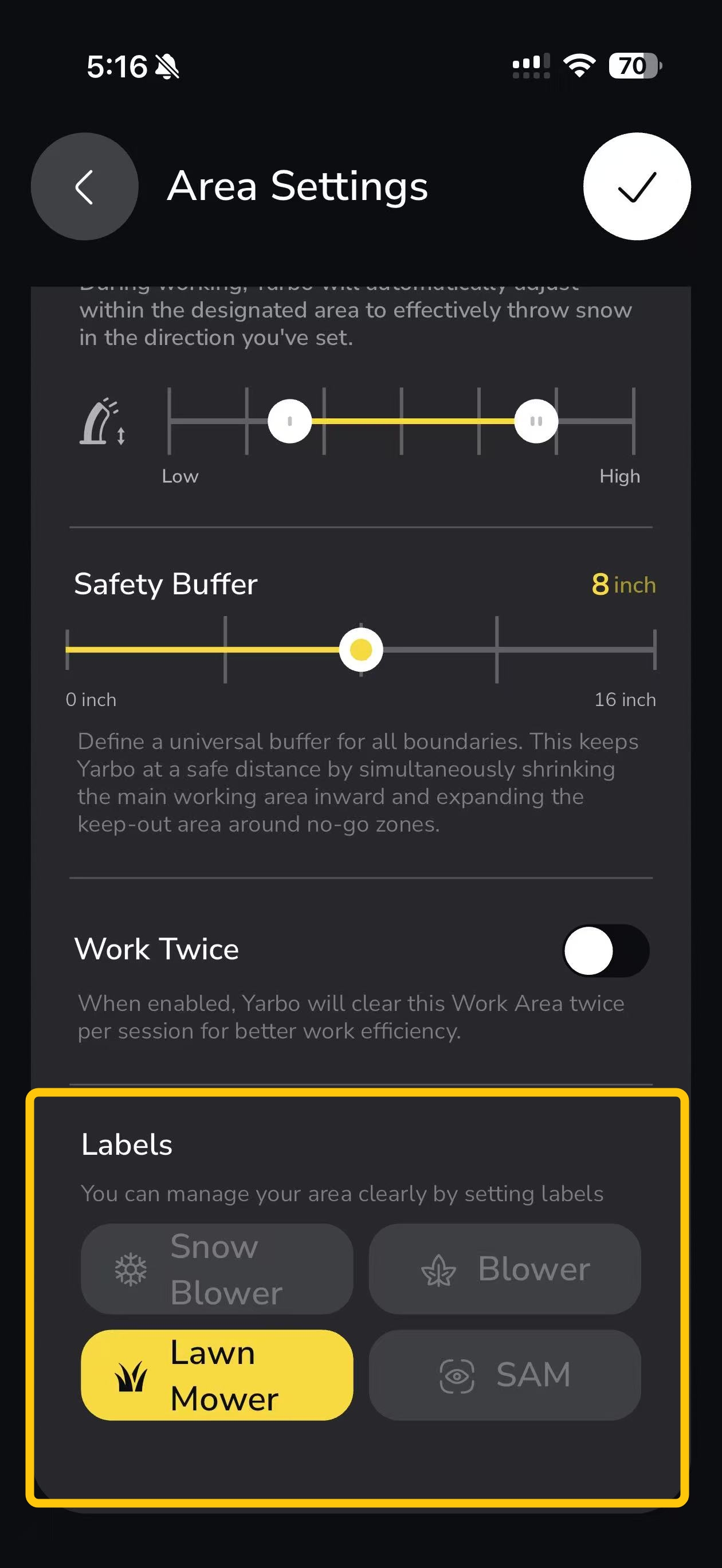
When creating or editing a mapped area, you can assign one or more function labels, such as:
- Lawn Mower
- Snow Blower
- Blower
- SAM
|
 |
¶ Key Points
- Multiple labels can be applied to a single area
- Labels define how an area is intended to be used
- Labels do not change the physical boundaries of the area
¶ Map Display Options
¶ On the Map
|
You can also control how areas are displayed on the map:
|
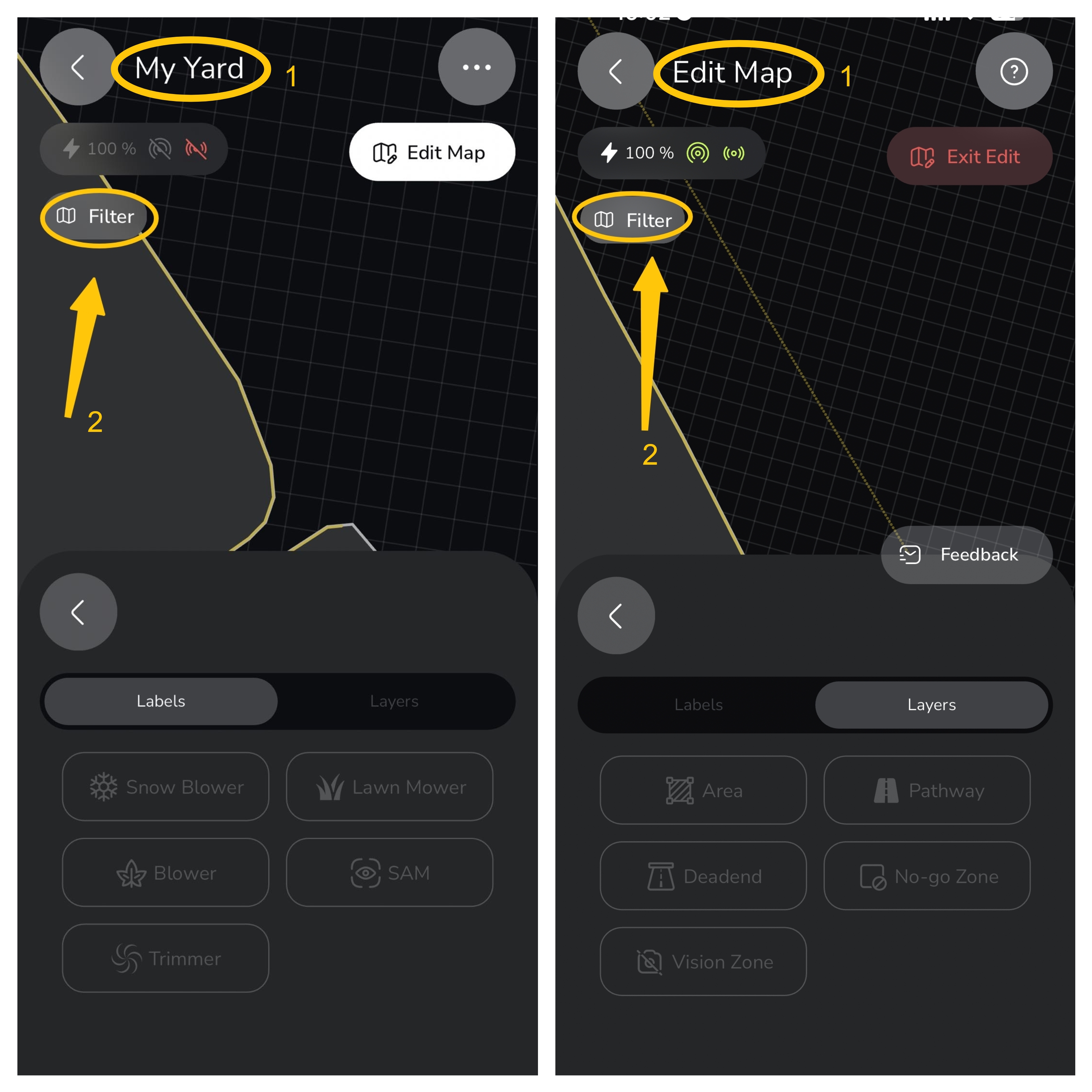 |
- This makes it easier to manage complex maps with multiple area types.
Note: Any settings changed in any interface (such as My Yard or Edit Map) will be saved, regardless of switching between screens.
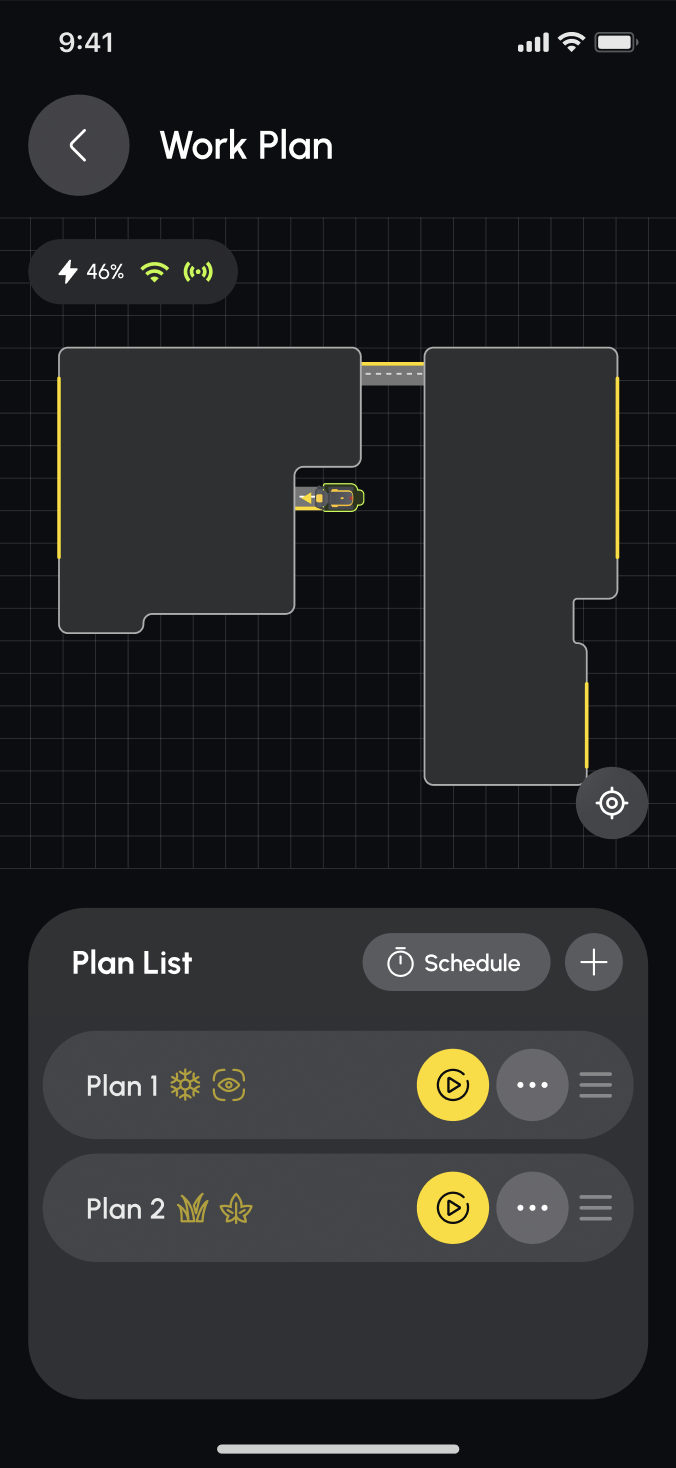
¶ In the Work Plan List
|
 |
¶ Map Label-Based Routing
In addition to visual organization, area labels are also used in route calculation.
- Yarbo applies label-based weighting when choosing how to move:
- Between different areas
- Between an area and the docking station
- This label weighting is applied alongside other routing factors, not as an absolute rule.
¶ How Label-Based Routing Works
¶ Preferred Routing Through Matching Labels
- When an area is labeled for a specific function, Yarbo will prefer traveling through areas with matching labels when possible.
¶ Example:
- If Snow Blower areas are labeled, the snow blower will prefer traveling through those areas when moving between areas or heading to the dock.
¶ Fallback Behavior
- Label preference does not block movement if no labeled path exists.
- If no area labels are configured, Yarbo will use the shortest available path
- If a mowing area is the only connected route, the snow blower will still pass through it, since it is the only viable corridor