- Step 1: Open the Yarbo App: Launch the Yarbo app on your mobile device.
- Step 2: Go to Setting, find the "Area Settings" section where you manage different zones and settings for your yard.
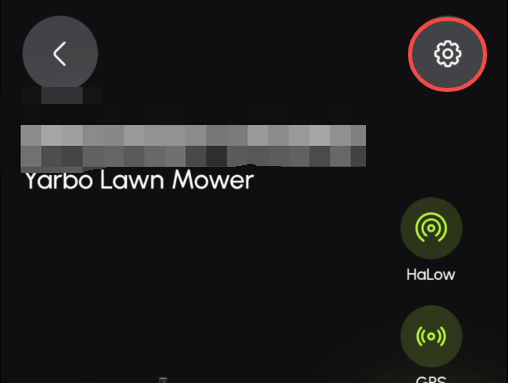
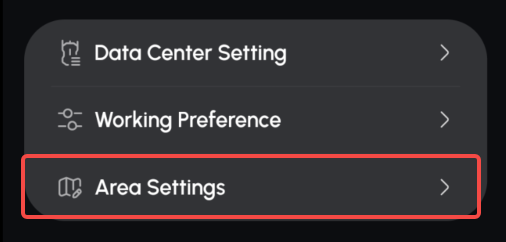
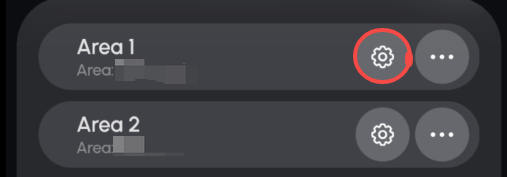
- Step 3: Click the Tool icon to access More Settings
- On this page, you can adjust the moving speed of your Yarbo, with five speed levels ranging from 0.3m/s to 0.65m/s:
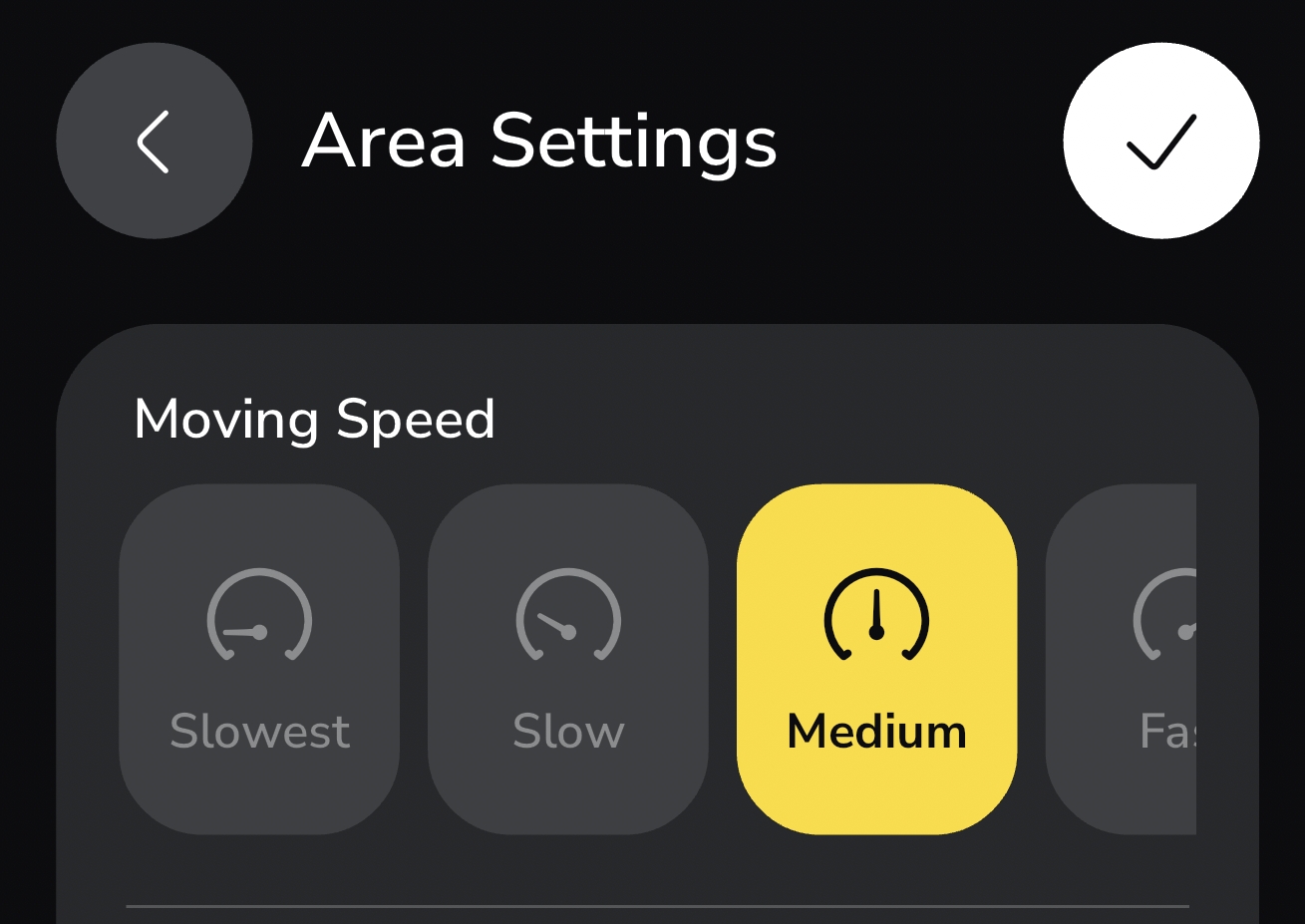
Increasing the moving speed reduces the overall mowing time. However, it’s important to note that mowing speed can affect the cutting quality: faster speeds may reduce precision, while slower speeds typically result in a cleaner, more precise cut.