¶ What Is NetRTK Service?
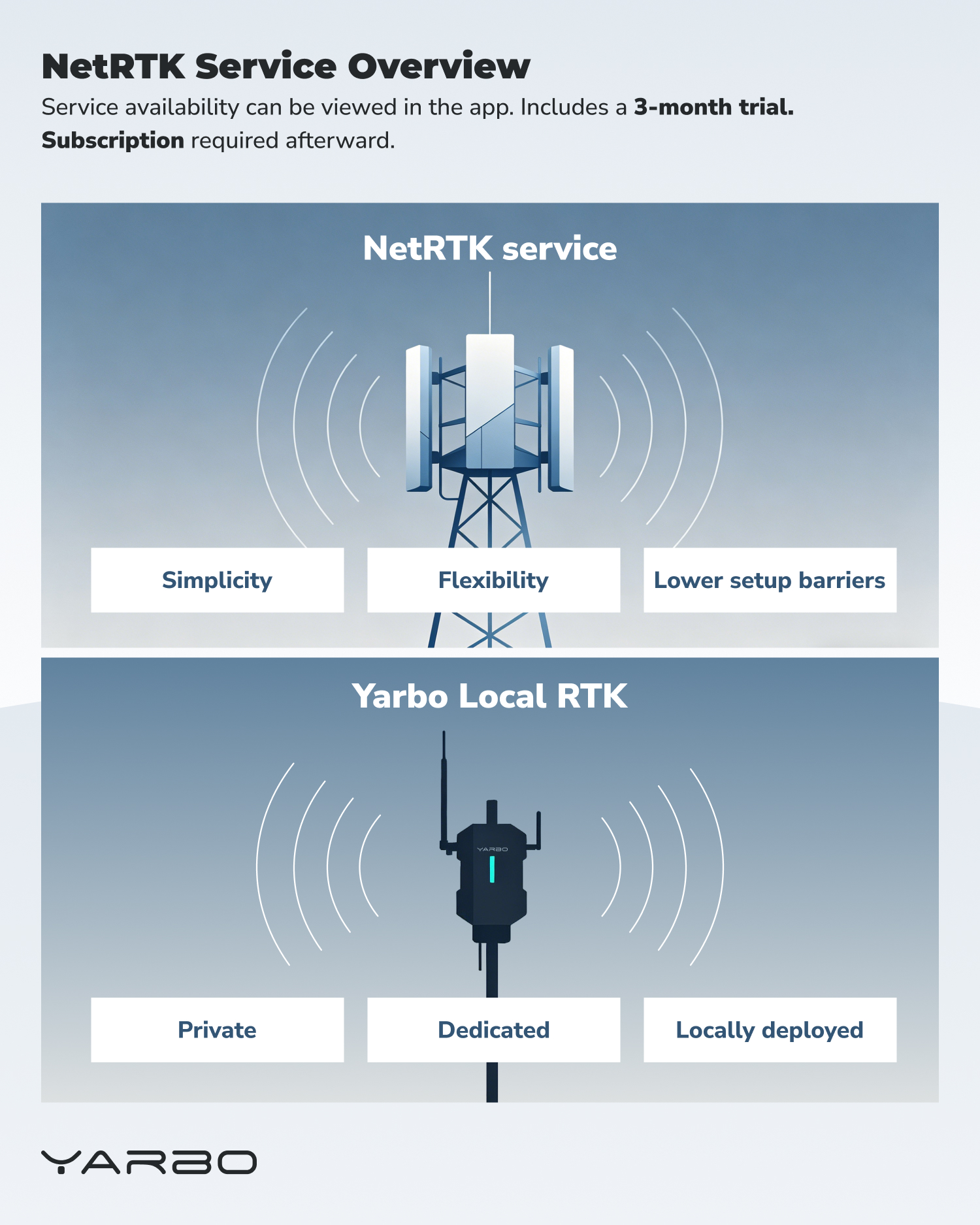
NetRTK Service is a new RTK correction option supported by Yarbo. It allows Yarbo to receive RTK correction data from an external network RTK service over the internet, instead of relying only on a locally installed Data Center.
This provides users with an additional positioning correction option, especially in situations where installing or maintaining a Data Center in an ideal location may be difficult.
¶ NetRTK Lifetime Free: What's Included
As of August 1st, 2026, Yarbo NetRTK is free for the lifetime of your Yarbo — all models, no exceptions.
Included:
- Full NetRTK precision positioning service — no subscription, no annual fee
- App-based setup and management
- Ability to switch between NetRTK and DC at any time
⚠️ Note: Please use the in-app coverage checker or official NetRTK website page to confirm availability at your address before setup.
¶ RTK Correction Source Options
Yarbo currently supports two types of RTK correction sources:
¶ NetRTK Service
- NetRTK Service receives RTK correction data from an external network RTK service over the internet.
- It is designed to provide greater simplicity, flexibility, and lower setup barriers by reducing the need for an ideal local base station installation environment.
¶ Yarbo Local RTK Through the Data Center
- Yarbo Local RTK uses the Data Center as a local RTK base station installed on-site.
- This option is suitable for users who prefer a private, dedicated, locally deployed RTK correction source. The Data Center remains a reliable option, especially when users have a suitable installation environment with a clear sky view and stable local setup conditions.
¶ When NetRTK Service May Be Suitable
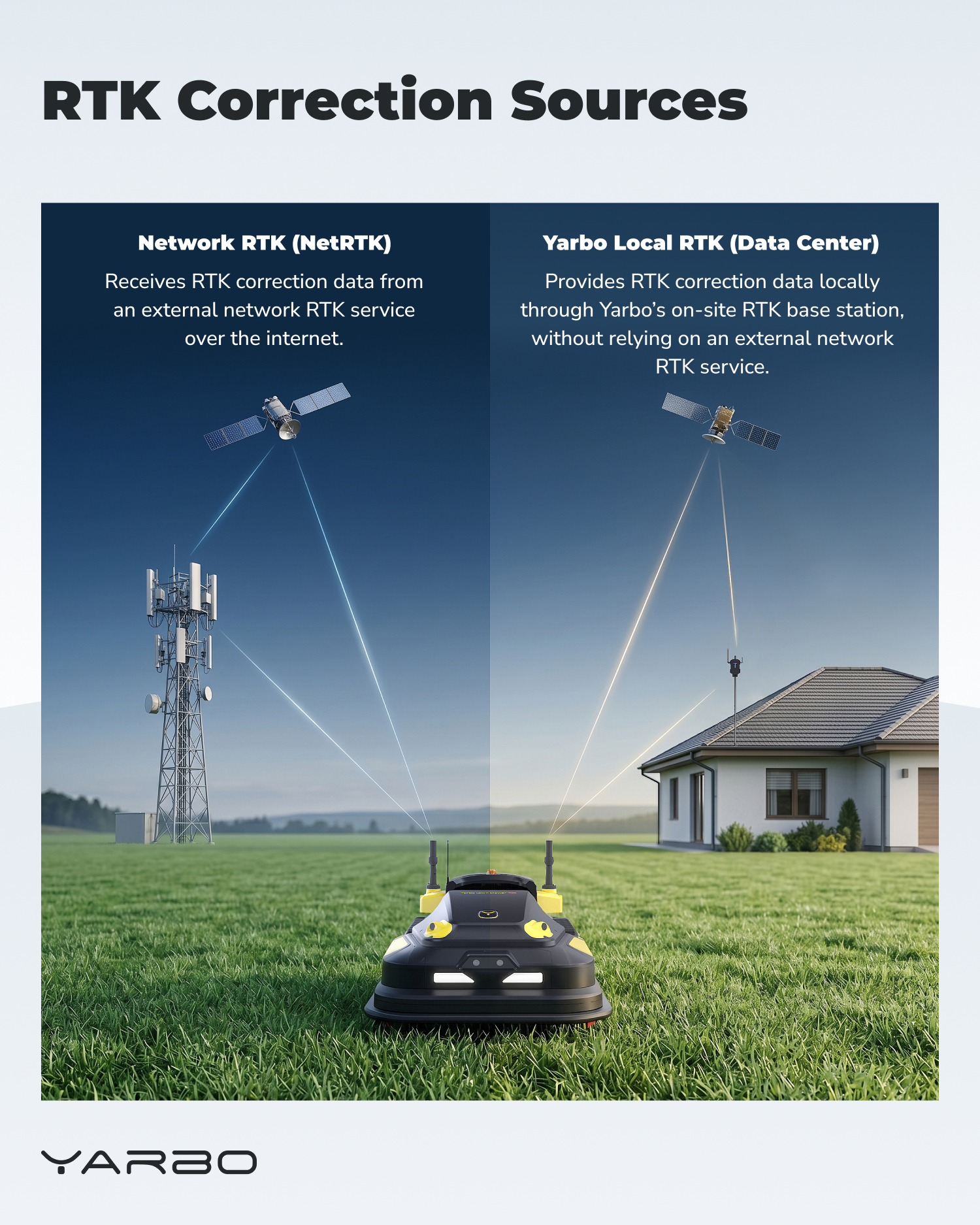
NetRTK Service may be especially suitable for the following situations.
¶ Less-than-Ideal Data Center Placement
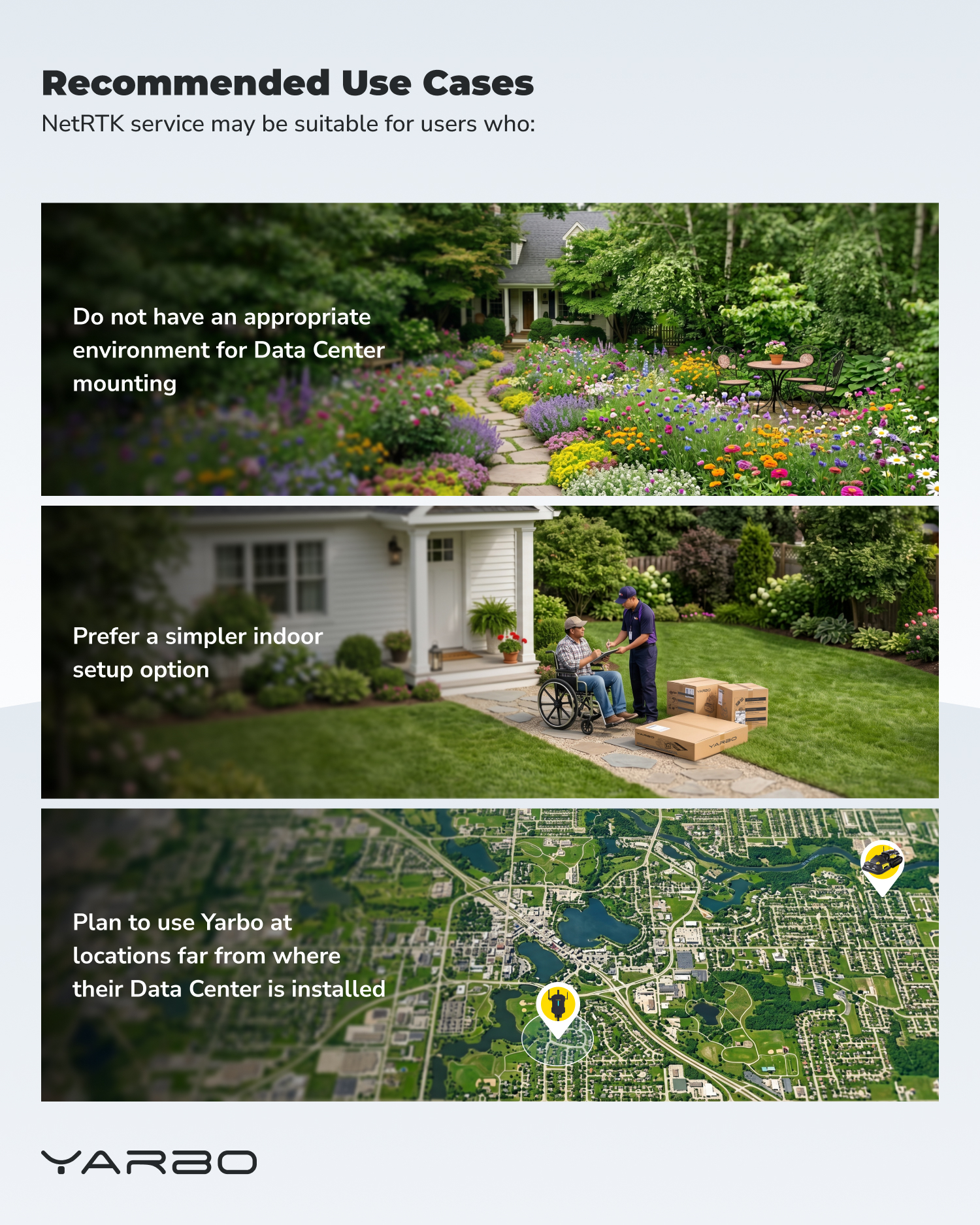
NetRTK may be suitable if your Data Center placement is not ideal.
Examples include:
- Ground-level Data Center installation
- Limited sky view
- Nearby trees, buildings, walls, or other obstructions
- Installation conditions that make it difficult for the Data Center to maintain optimal positioning performance
In these situations, NetRTK can provide a more flexible alternative when Data Center conditions are not optimal.
¶ Preference for a Simpler Setup
NetRTK may also be suitable for users who prefer to reduce local installation work.
This may include users who want to avoid:
- Roof mounting
- Additional wiring
- Repeated base station adjustments
- Finding a highly optimized Data Center installation point
By receiving correction data through an external network RTK service, NetRTK can reduce the setup burden for users who want a more straightforward configuration process.
¶ Using Yarbo in a New Location
NetRTK may be useful when Yarbo needs to be used in a different location from where the Data Center is installed.
Examples include:
- Moving to a new home
- Temporarily using Yarbo at a friend’s or family member’s property
- Using Yarbo at another property far from the original Data Center location
In these cases, NetRTK can help avoid the need to install another local base station at the new location.
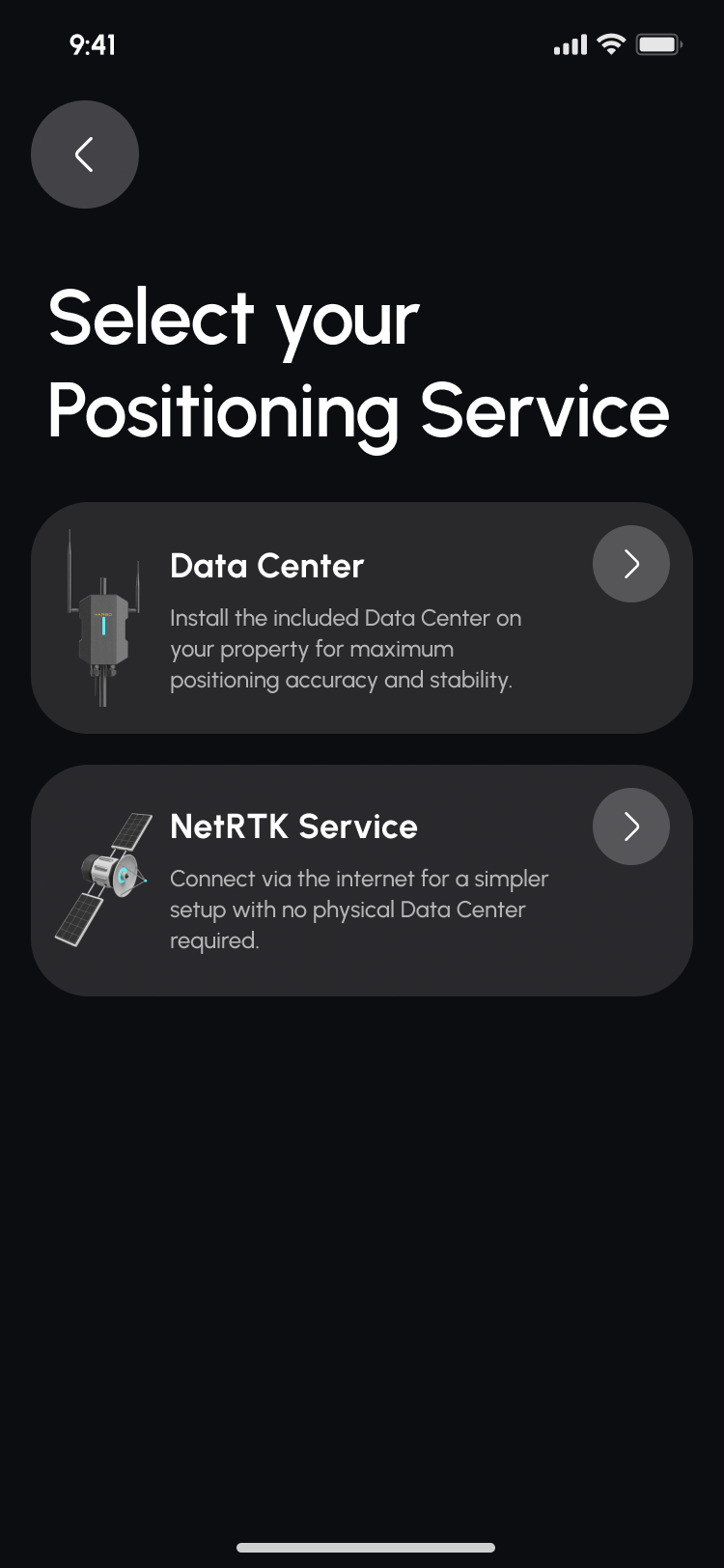
¶ Switching Between Data Center and NetRTK
 |
 |
.png) |
.png) |
.png) |
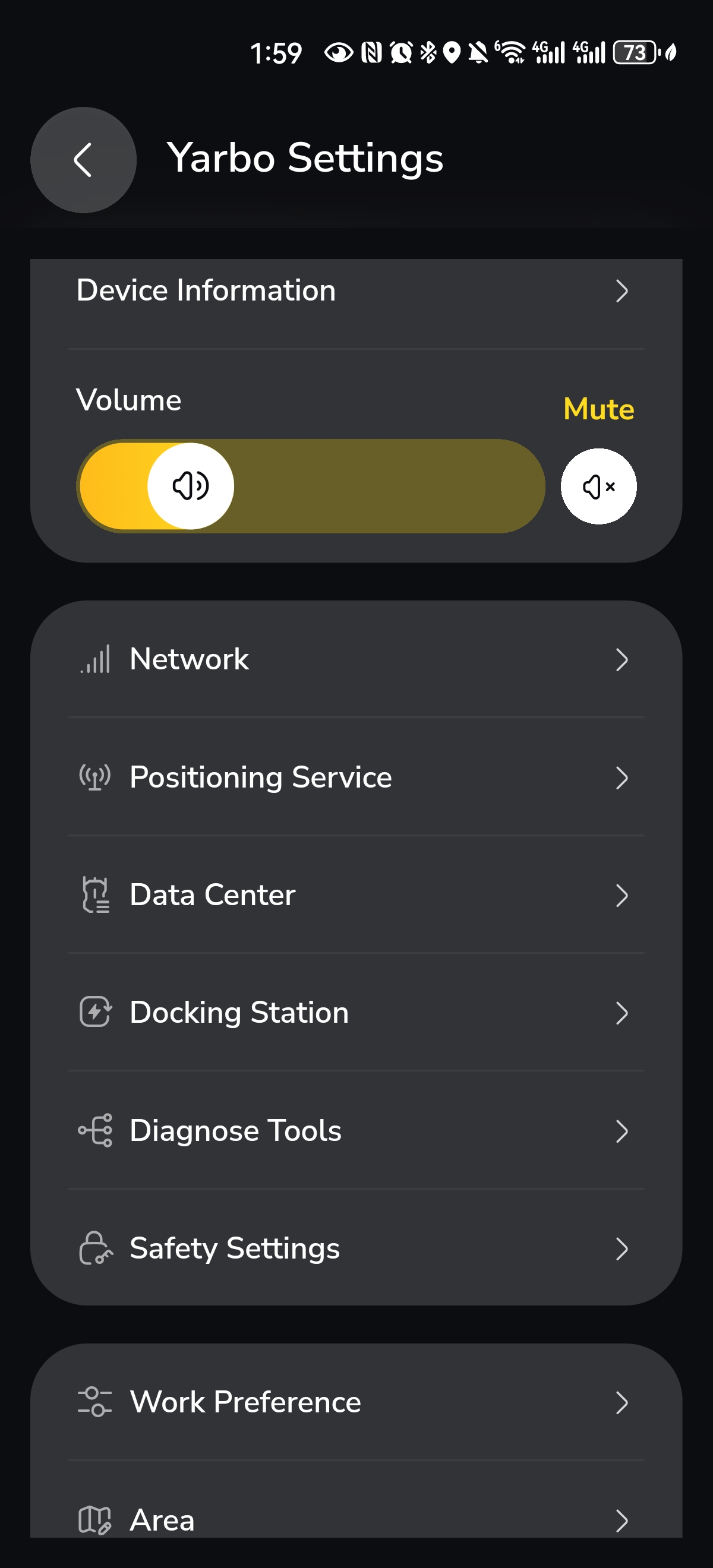
Before using NetRTK, go to:
Positioning Service → Select NetRTK → Check Coverage
The required steps after switching between Data Center and NetRTK depend on whether Yarbo is being used in the same location or in a new location.
¶ Switching in the Same Location
If you are switching between Data Center and NetRTK in the same location, you will need to perform Correct Map Drift (App → My Yard → Three-dot icon in the top right corner → Correct Map Drift) on the Docking Station each time you switch between the two correction sources.
This step is required to recalibrate the map and ensure positioning accuracy.
.png)
¶ Switching to a New Location
If you are switching in a new location that is approximately over 20 km (about 12.4 miles) away from the original one, the required steps are different:
- Switching from Data Center to NetRTK will guide you through the initialization process.
- Switching from NetRTK back to Data Center will require reinstalling the Data Center.
Both of these actions will delete the current map.
¶ Map Backup Recommendation
Before performing initialization or Data Center reinstalling, it is recommended to manually save the current map under Previous Maps.
After completing the process, you can download the saved map back from Previous Maps.
Please note that area settings and other related settings may be lost during this process.
For detailed instructions, please refer to the Previous Maps article.
¶ Summary
NetRTK Service gives Yarbo users an additional RTK correction option. It is designed for users who need a simpler, more flexible setup with lower local installation requirements.
The Data Center remains a strong option for users who prefer a private, dedicated, locally deployed correction source. Users can choose the correction method that best fits their installation environment, operating location, and setup preferences.